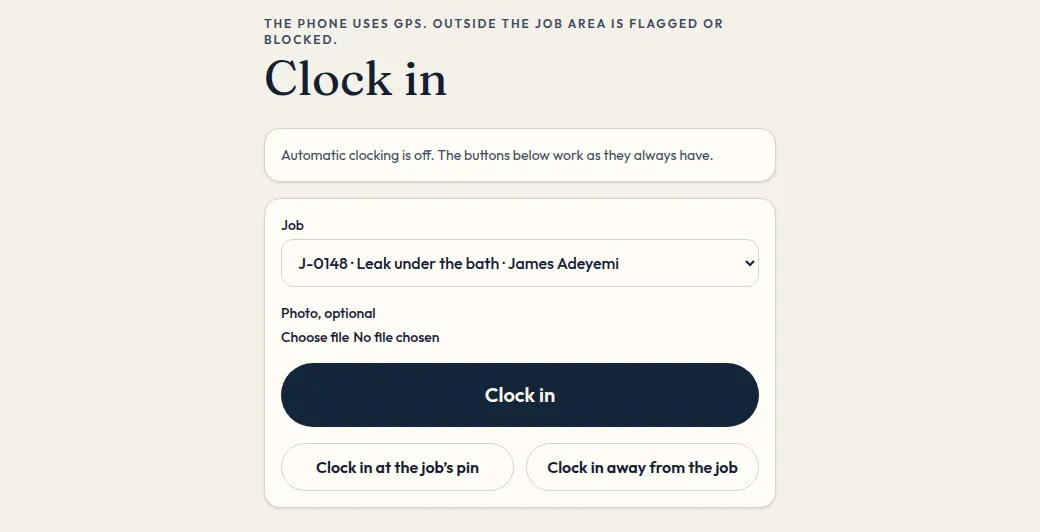
Clock in, and the timesheet
Clock in against the job. The timesheet is what payroll uses.
Engineers on site, and the person who runs wages.
Which plan: Team and Pro.
- Clock in on the job. GPS checks the address. Outside the fence is flagged, or blocked, job by job.
- An optional photo can sit on the clock-in. Automatic clock-in is off unless the firm, the person and their consent all allow it.
- A shift can have a start and an end for a break. Worked time leaves the break out.
- The timesheet shows the hours. Overtime starts after the firm’s daily threshold.
- Payroll export and a BrightPay file use approved punches.